DIGITAL SECRET WEAPONS FOR A PRODUCTIVE 2026
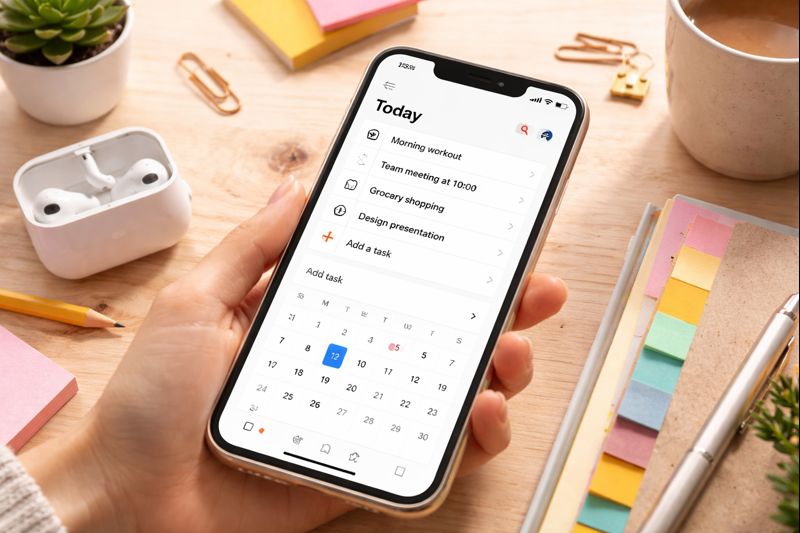
There’s still time in January to get organised for the rest of the year…


There’s still time in January to get organised for the rest of the year. Whether you’re completing an apprenticeship, studying for a degree, or looking to level up your career in the Liverpool City Region, we all have tasks and responsibilities to balance.
Before the first month of the year is over, why not try out some of the latest digital tools designed to help you manage your workflow? One or more of them might end up transforming the rest of your year! This article considers a few popular digital tools of many available on the market with free plan options that support self-organisation and boost productivity.
Notion: Your digital command centre
Notion is a digital workspace which enables the user to combine notes, databases, calendars and to-do lists into one interface- perfect for organising information, tracking applications, or keeping track of deadlines.
Notion can be used for anything you can think of. Here are just a few suggestions:
- New role information: If you’ve just started a new job, Notion’s database feature can help you categorise and organise all the new information you are taking in about your new workplace. You can create a page for each of your work areas or responsibilities, and upload any documents or notes relevant to each.
- The ultimate job tracker: On the hunt for a new position? Don’t just rely on having hundreds of tabs open in your browser. A table in Notion can help you track every role you find, allowing you to log the company, closing date, salary, job description link, and application status.
- Networking hub: If your goal this new year is to make more connections, you can use Notion to create a list of mentors, local employers you’ve met at careers fairs, and links to interesting companies across the Liverpool City Region.
Tip: Notion offers thousands of free templates which you can use without having to build your page from scratch.
Trello: Keep track of your tasks
If you’re looking for a simplistic but effective way to visualise upcoming tasks, then Trello could be a great addition to your workflow. Long lists can get overwhelming, especially when you have a lot to complete. Based on the “Kanban” method, Trello uses boards, lists, and cards to help break down your tasks into manageable chunks, allowing you to visualise your progress.
For example, your board might consist of:
- Backlog: Any ideas and long-term goals that come to mind.
- This Week: Tasks that are urgent or need doing right away.
- In Progress: What you are currently working on.
- Completed: A clear list of your achievements.
Trello can also be used for group projects within your education or workplace, helping to ensure everyone knows exactly who is doing what.
A to-do list tells you what to do, but a calendar tells you when you are going to do it, and Google Calendar is one of the most powerful free tools out there. When you have a lot on, it can be easy to maintain a balance between all aspects of your life. Google Calendar also lets you colour-code your tasks, so you can easily differentiate between personal, academic, and professional commitments.
Google Calendar isn’t just a useful tool to remind you of upcoming events; it can help you set aside time to achieve your 2026 goals. For example, if you’re looking for a new role, instead of starting the day with a vague intention like “I’ll look for jobs today,” with Google Calendar, you can actually block out, say, 10:00 AM to 11:30 AM specifically for searching local vacancies. This means that other distracting tasks that come to mind throughout the day won’t disrupt your intended goal.
Pomodoro Apps: Time to get focused
Whilst digital tools can be great for managing your workflow, we all know how distracting our devices can be. The good news is that several great apps reward you for putting down the phone and focusing on the task at hand. Apps like Forest, Flora and StudyBean turn focus into a game, giving you rewards for each timed session you complete without picking up your phone. Exit the app before the timer runs out, or you lose your reward. The traditional Pomodoro structure is 25 minutes of focus followed by a 5-minute break, but most apps let you customise these times if you wish.
You might be trying to balance work and training in your apprenticeship, map out a realistic study plan for a degree, or tackle jobseeking in a productive way. Well, the right tools can help you do this easily and provide a clear, manageable path forward. AI has turbo-boosted the efficiency of many digital organisational apps, and with a tool that suits you firmly in place, you can make 2026 your most successful year yet.
Please note that the digital tools referenced here have been trialled for the purposes of writing an informed article. There is no commercial gain for LCR BeMore by including any of the tools mentioned.